Getting started
Here's the whole loop, start to finish — and how to put Solo Sitter on your home screen so it feels like a real app.
Four steps, one place
1. Set up your business
Add a service or two, set your weekly hours, and connect a way to get paid (Venmo, PayPal.Me, or similar) under Settings.
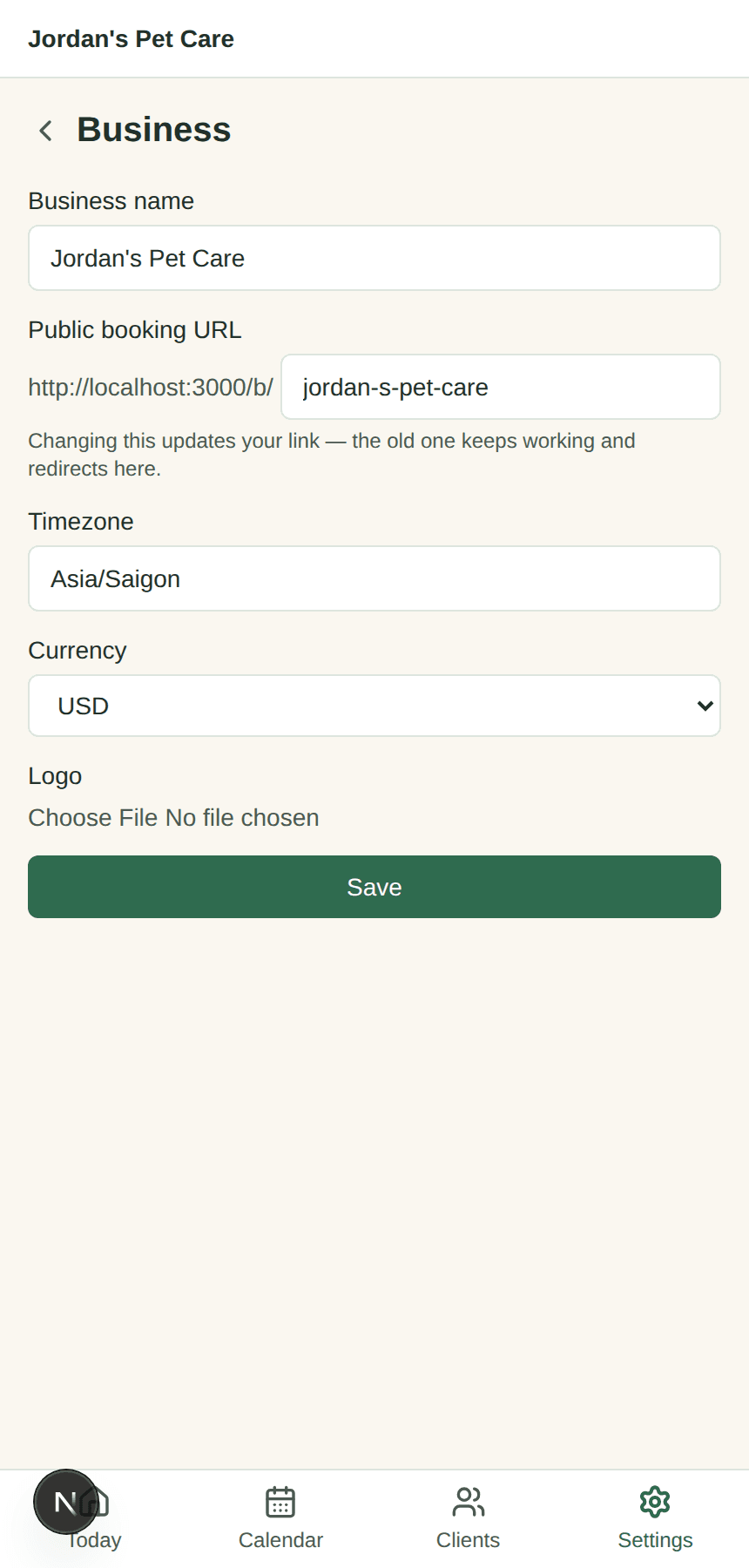
2. Share your booking link
Every business gets a link like solositter.app/b/your-name. Put it in your Instagram bio or text it to regulars — no app, no account for them.
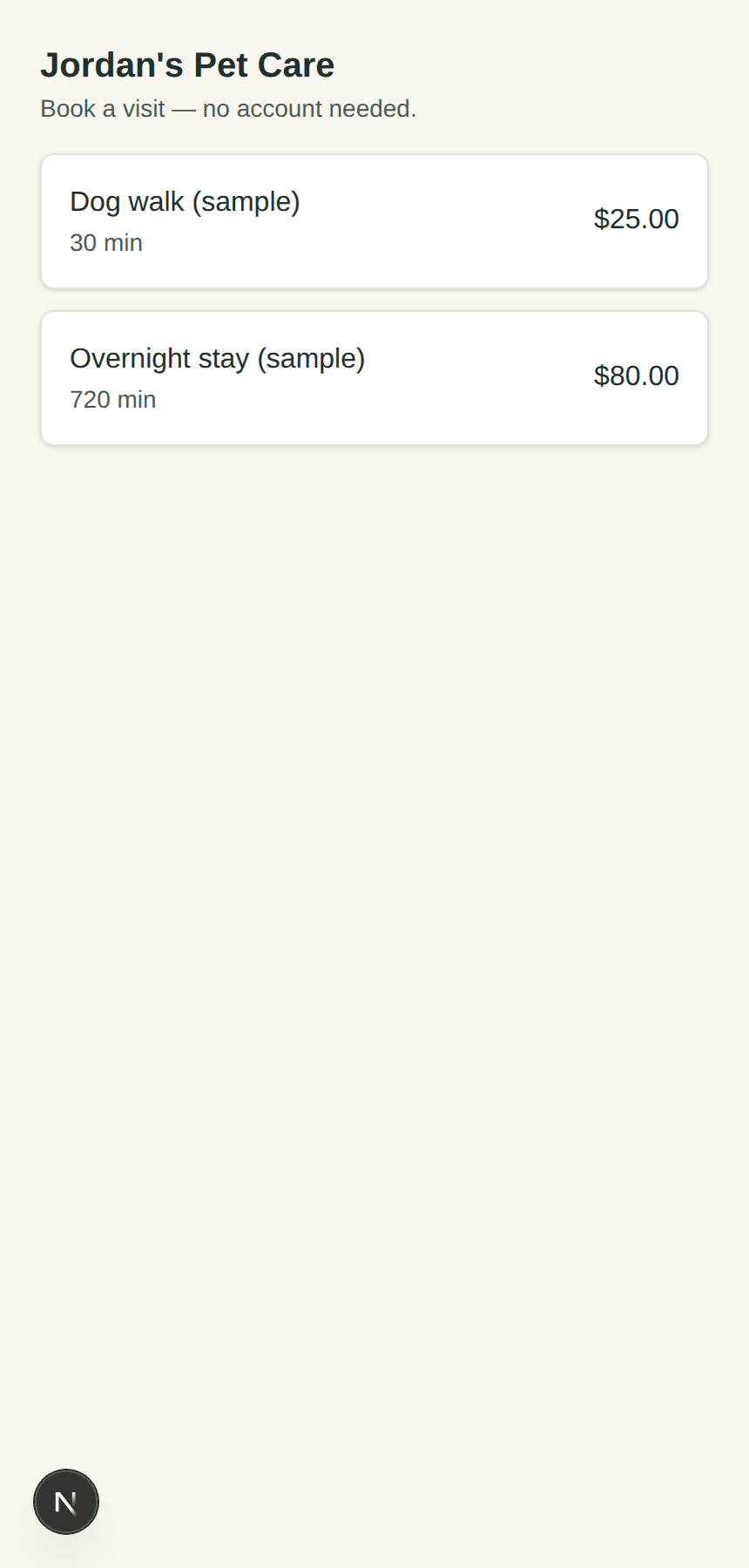
3. Get booked, with a deposit
Clients pick a service and time on your link, fill in their pet's info once, and pay any deposit straight to your own Venmo/PayPal.
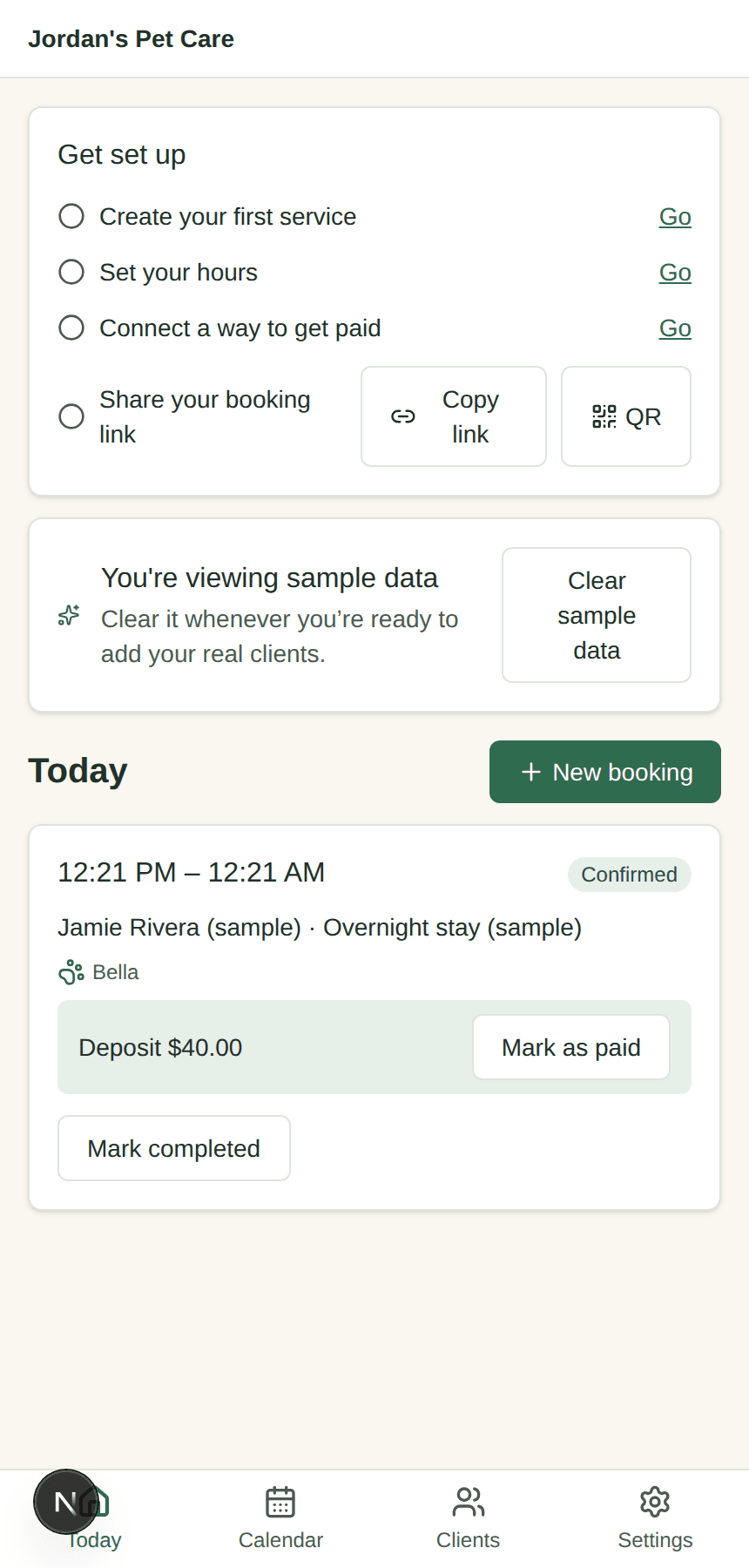
4. Visit, report, get paid
Open Today for the day's bookings — even offline. Mark a visit complete, send a quick photo, and collect any balance still owed.
Put Solo Sitter on your home screen
Solo Sitter is a PWA (progressive web app) — there's nothing to download from an app store. Installing it just makes it open full-screen with its own icon, and keeps today's bookings and pet info readable even with no signal at a client's house. Your clients never need to install anything — their booking link works in any browser.
iPhone & iPad
- Open solositter.app in Safari (it has to be Safari, not Chrome — iOS only allows Safari to install apps)
- Tap the Share icon in the toolbar (the square with an arrow pointing up)
- Scroll down and tap Add to Home Screen
- Tap Add — Solo Sitter now opens full-screen from your home screen
Android phone & tablet
- Open solositter.app in Chrome
- If a banner pops up offering to install, tap it — otherwise tap the ⋮ menu in the top-right corner
- Tap Install app (or Add to Home screen)
- Confirm — you'll get a proper app icon and a full-screen window
Windows & Mac
- Open solositter.app in Chrome or Edge
- Look for a small install icon at the right edge of the address bar (a monitor with a down arrow) — or open the browser menu and look for Install Solo Sitter…
- Click Install — it opens in its own window and can be pinned to your taskbar or dock
A couple of things people ask
I don't see an install option on my phone or computer
Not every browser supports installing web apps the same way. If you don't see it, the app still works fine as a regular website — just open it from a bookmark. On iPhone, double-check you're using Safari, not Chrome.
Do my clients need to install anything?
No. Your booking link (solositter.app/b/your-name) and any link you send them works in a normal browser tab — nothing to download, nothing to install. Installing is only useful for you, since you're the one opening it every day.
Stuck on something else? Email me — I read every message myself.
Not signed up yet? Start your free trial.